01
Open the bot in Telegram
It's a bot, not an app — there is nothing to install. No Pocket Option account yet? You register right inside the bot: about a minute, without leaving Telegram.
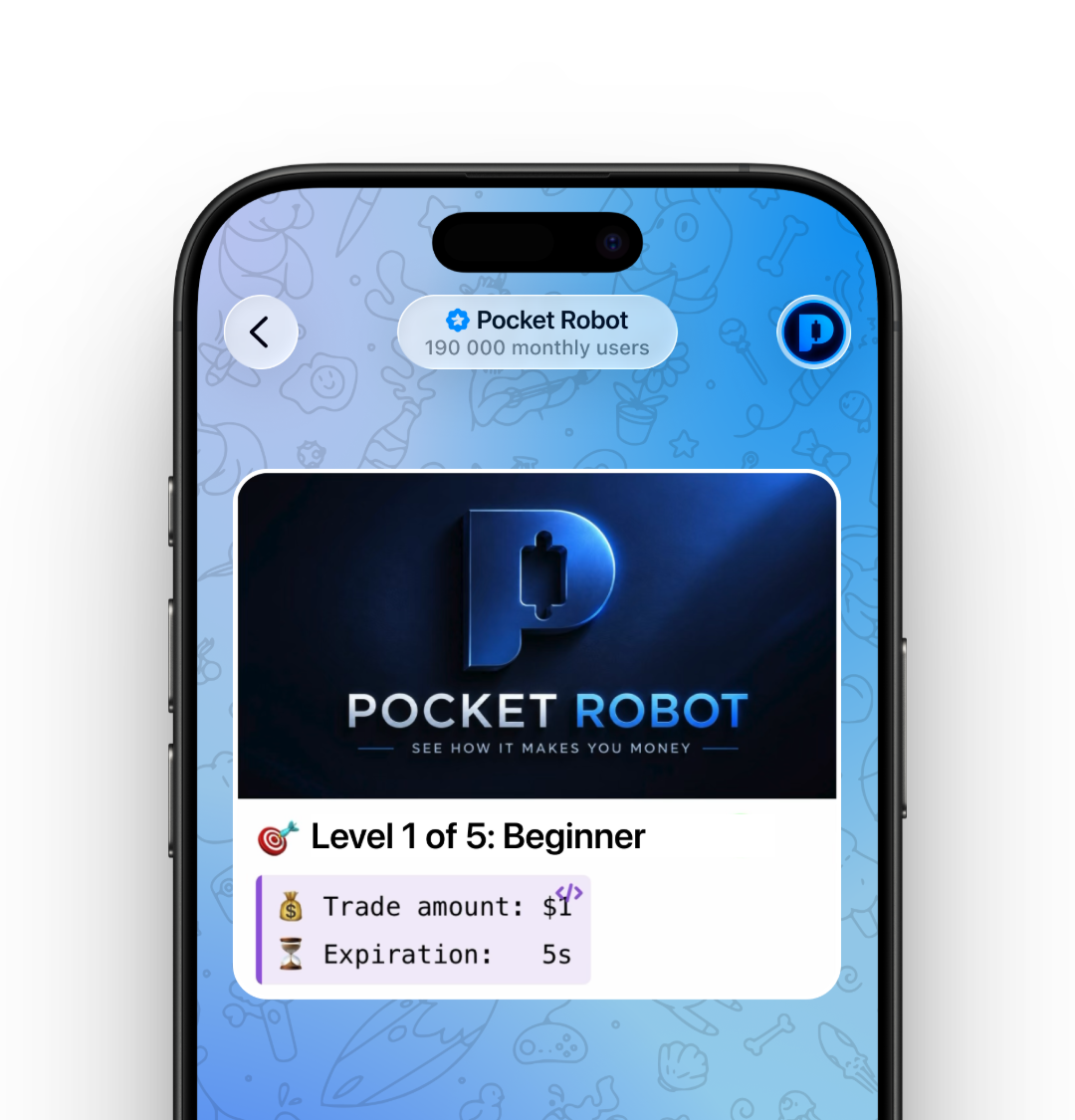
 Pocket Robot Pocket Robot bot
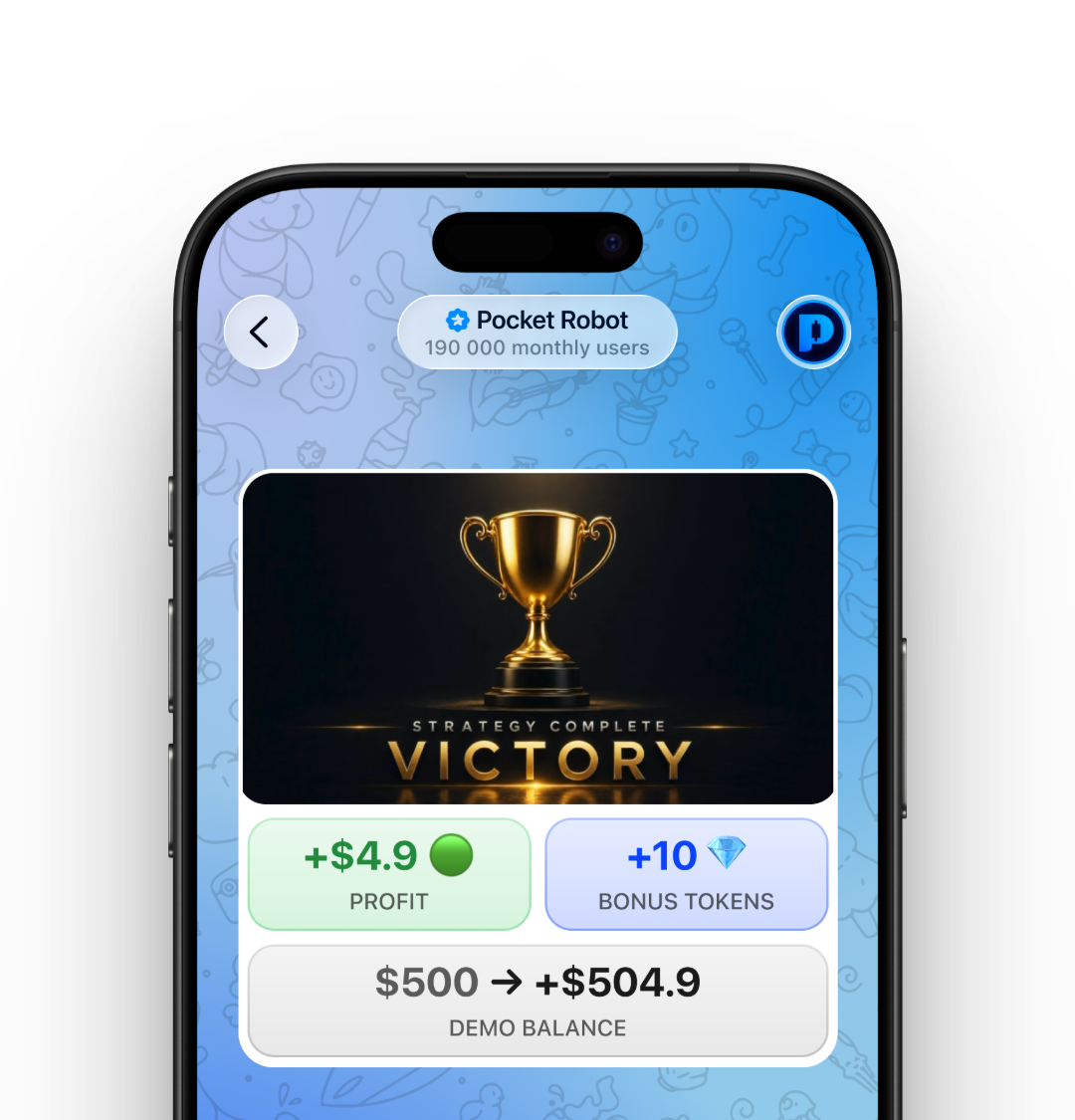
Pocket Robot reads the market the way a trader would, then places trades on your own Pocket Option account — only while you have a session running.
No app to install — Pocket Robot is a bot inside Telegram. Demo mode runs on virtual funds, so you can try it with nothing of yours at stake.
Try Demo Free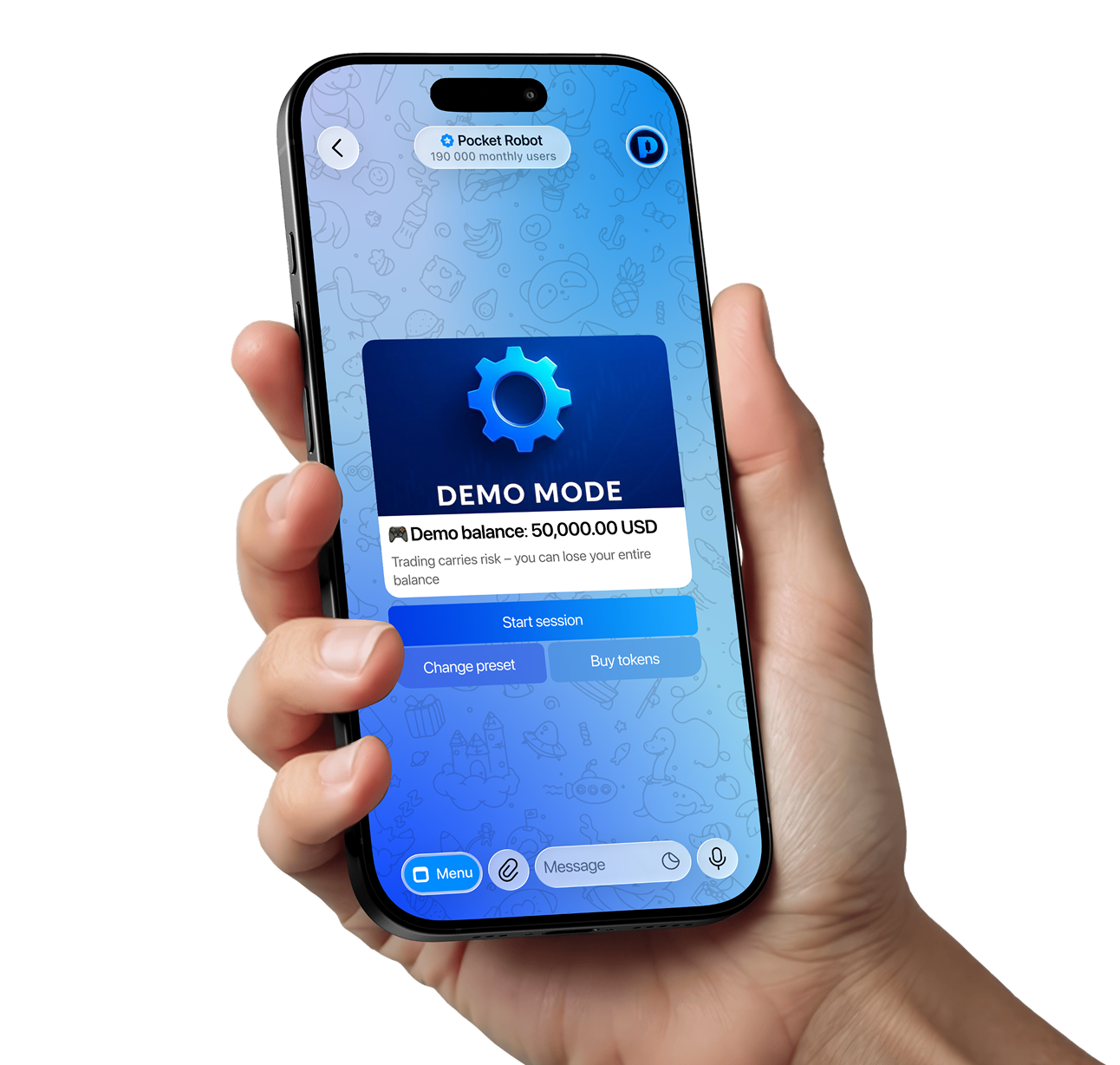
It's a bot, not an app — there is nothing to install. No Pocket Option account yet? You register right inside the bot: about a minute, without leaving Telegram.
The bot checks 100+ assets with the same indicators traders use — RSI, MACD, moving averages — and waits for a clear setup instead of trading every minute.
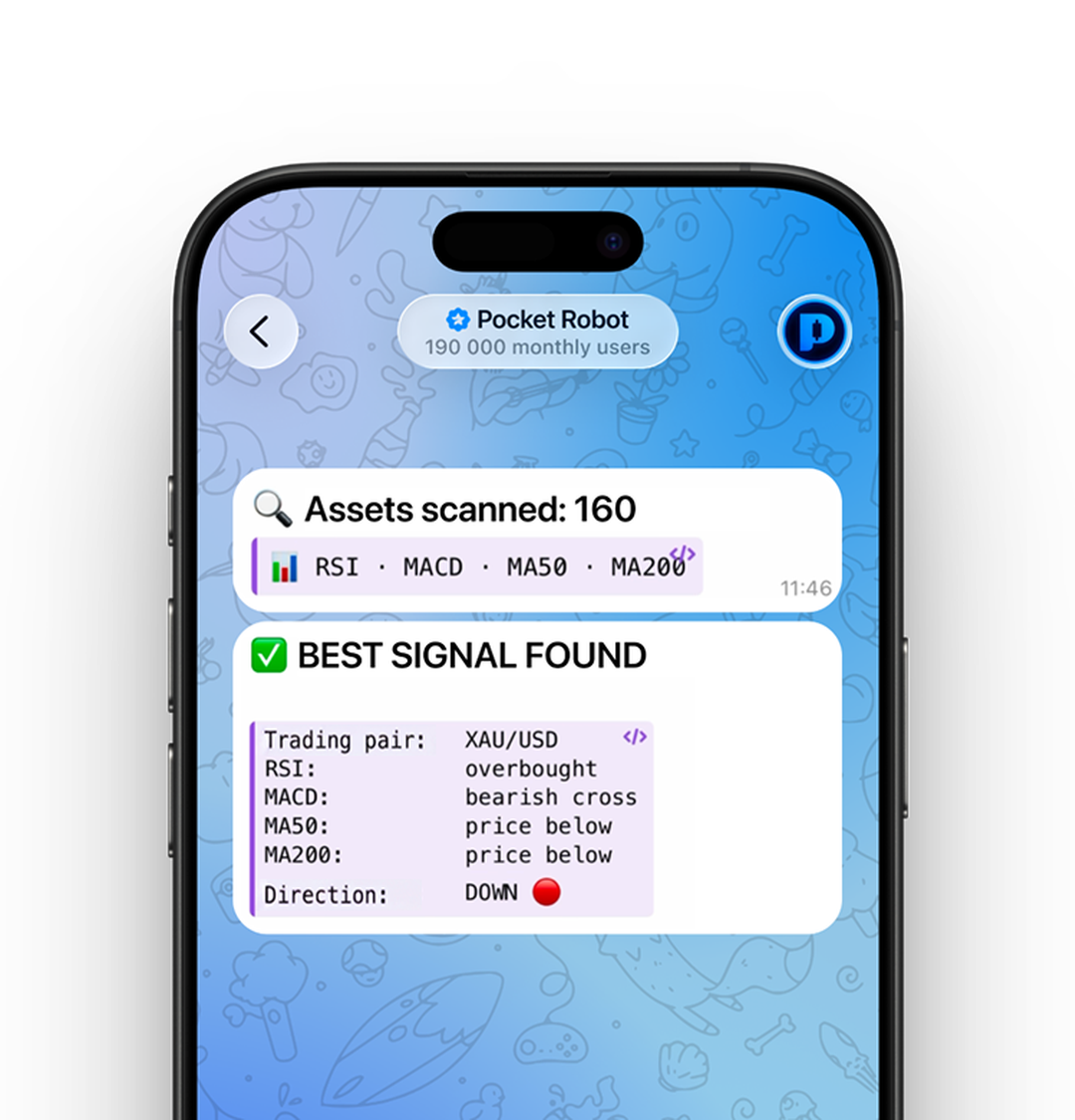
You choose what to trade and how much. The bot opens and closes the deal on your own Pocket Option account, and writes every result into the chat — the wins and the losses.
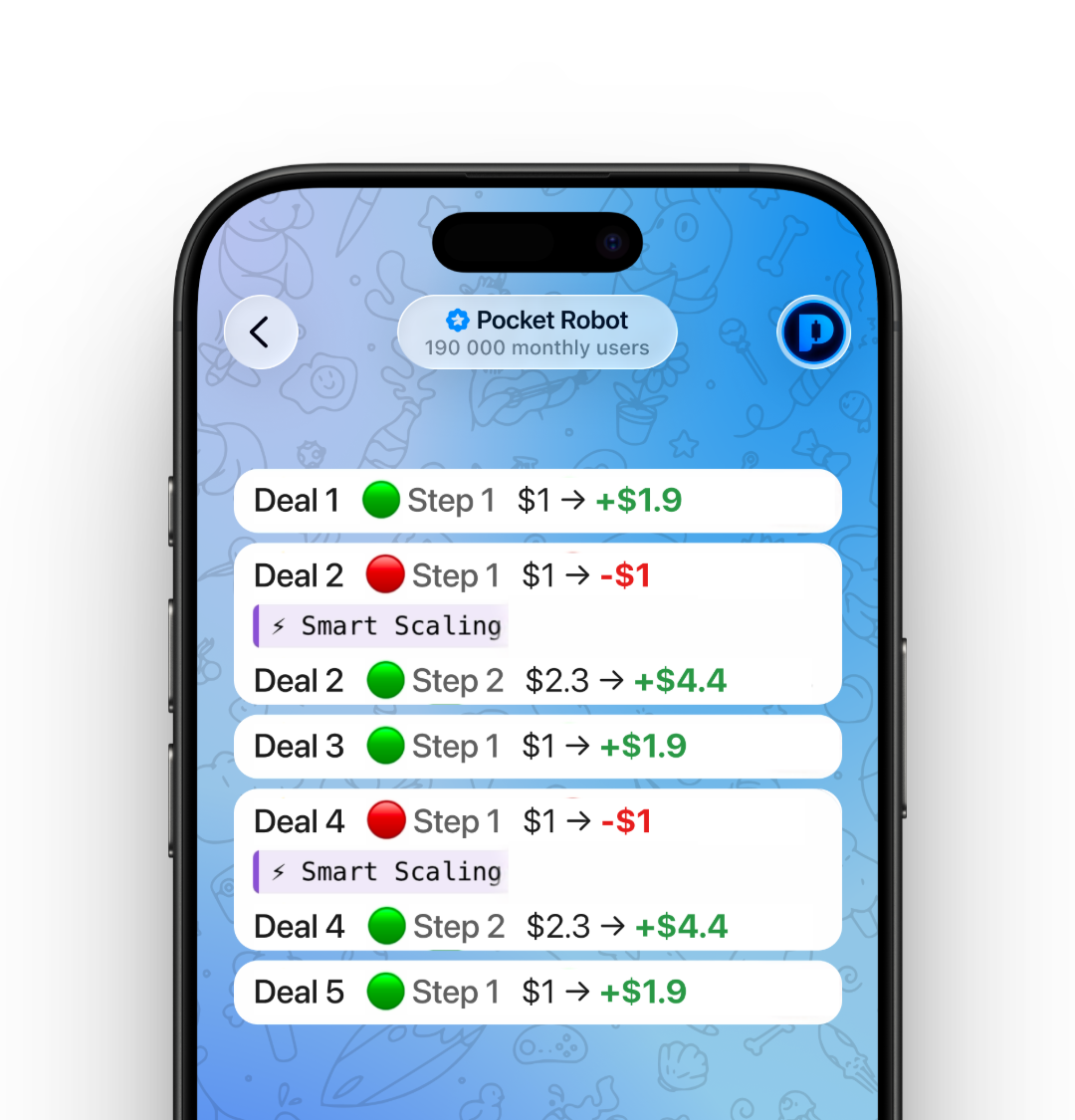
A run takes a couple of minutes, then you get the totals. You can stop the session at any point — you do not have to wait for a trade to finish.

It works on your own broker account over the official interface — it can open and close positions, and nothing else.
What moves money — in plain language, without the noise.
The US government is seeking to join Elon Musk's legal challenge to overturn a €120m (£105m) EU fine against X over its blue tick badges.
AI-powered bot trades for you on Pocket Option, right from Telegram.
No "$100k daily", sorry. But 5-10% daily profit is typical. With the right balance, up to 20%+.
Everything people ask before they start.
An AI bot trades for you on Pocket Option, right from Telegram. You open @po_broker_bot and connect your account, tap Start Autotrade and pick the asset and amount, and the bot scans the market, finds a setup and executes the trade. It takes a couple of minutes — then you go again or stop. Your money stays in your Pocket Option account.
One token is one AI trade cycle: scan, pattern, one trade. No tokens, no trades. Every top-up gives you free tokens on top of your deposit, and the larger the top-up the more you get. Free tokens are only issued for accounts created through @po_broker_bot, so register through the bot first.
Nine presets, from safest to most aggressive. Newbie is a test drive with only two recovery steps. Conservative and Balanced are the everyday choices. Precision Strike, High-Profit, Predator, Crusher and Apex raise both the acceleration and the risk, and each one expects a larger minimum balance. Manual gives you full control if you know what you are doing.
Your trade size sets your risk and your reward, so match it to your balance. $1 a trade is the slow, safe way to learn. $3–5 is the usual middle ground. $10–20 is aggressive and only makes sense if the balance can absorb it.
$100 is the minimum — treat it as a test drive to learn the system. $300–500 is the recommended range: proper scaling and comfortable recovery. $1,000 and up gives you the maximum number of recovery steps. More balance means more recovery steps, which means calmer trading.
There are no “$100k daily” promises here. Typical is 5–10% a day, and with the right balance more. Realistically a $300 balance means roughly $600–1,000 a month with active use. Your results depend on your balance, your strategy and how often you run it — binary options carry risk of loss, and the bot gives a statistical edge, not a guarantee.
It is part of the process — no algorithm wins every time. Smart Scaling increases the next trade after a loss to recover and add profit on top, so one winning trade covers the run. How many times it can do that depends on your balance: $100 gives three or four recovery steps, $500 gives six or seven.
Trades run through Pocket Option, a licensed broker, over its official API. Your account, your money, your withdrawals. The bot can only trade — it has zero access to anything else, and withdrawals are always manual, done by you on the Pocket Option site.
Pocket Option has no token-based login the way Google or Apple do. Email and password is the only way any application can connect to a Pocket Option account — the same as any trading terminal connecting to a broker. Your credentials are encrypted and used only to open a trading session.
It can read your balance, read candles, open a trade, check the result and read your history. Withdraw, transfer, change password and read personal data simply do not exist in the Pocket Option API — they were never built. That is the whole access scope.
Pocket Robot for freeDemo mode runs on virtual funds — no deposit, no card, nothing to install.
 18+ · Trading involves risk